How To Setup

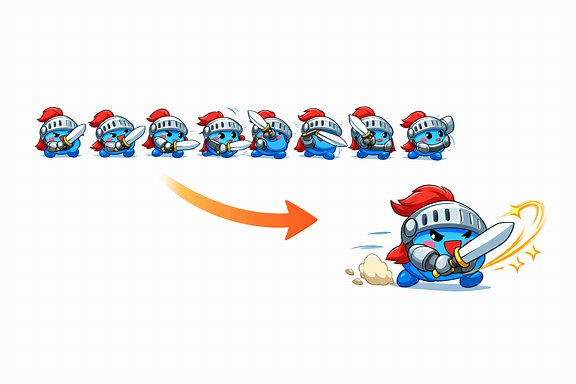
Prepare your spritesheet file and put it to Pictures folder. The file naming doesn't matter.
Next, call command Show Animation from Hendrix Animation Solution plugin.

Select your spritesheet file via Use Spritesheet.
The file above has 5 columns and 5 rows, write those numbers in. That's all you need to do.
What if you’re working with a huge animation, say 300 frames? Packing that into a single spritesheet would make the file size massive. For that, you can switch to the "Use Separated Frames" option instead.

In here I have 300 frames and my file names will be Tornado_1 -> Tornado_300
Alternative Method (recommended)
Hover your mouse to bottom right corner, you'll see a Dog button. Select "VFX Designer".

A new window will show up. Load your spritesheet and write row and column. Name your animation and click Save to Library.

You'll now see your animation in the library.